 Tabs
Platform · Workspaces
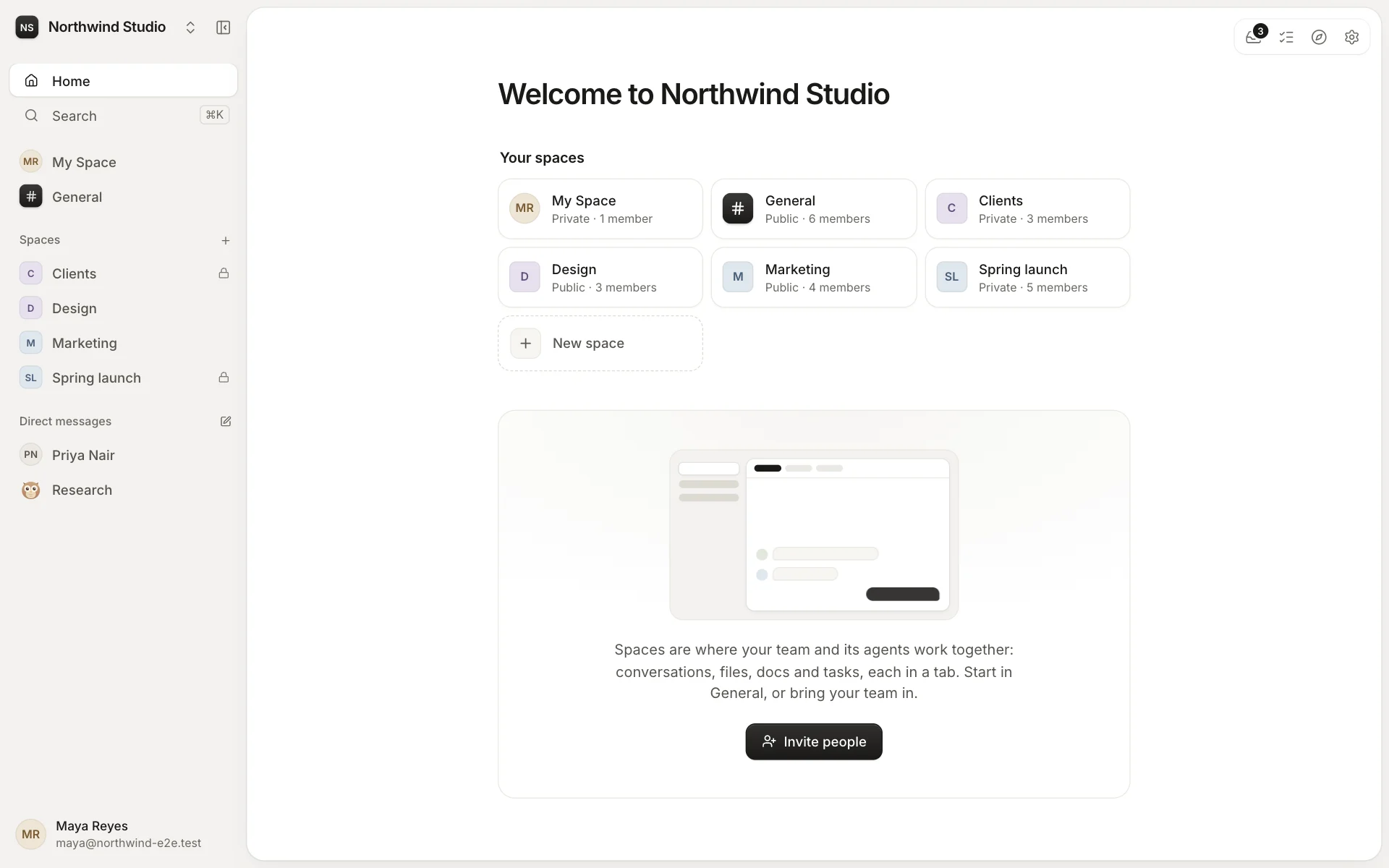
A workspace is your organisation's home.
Everything your team shares lives in a workspace: its people and agents, its spaces, and every message, file and task in them. It has its own database and its own storage, and you can move or export it whenever you like.
People and their roles
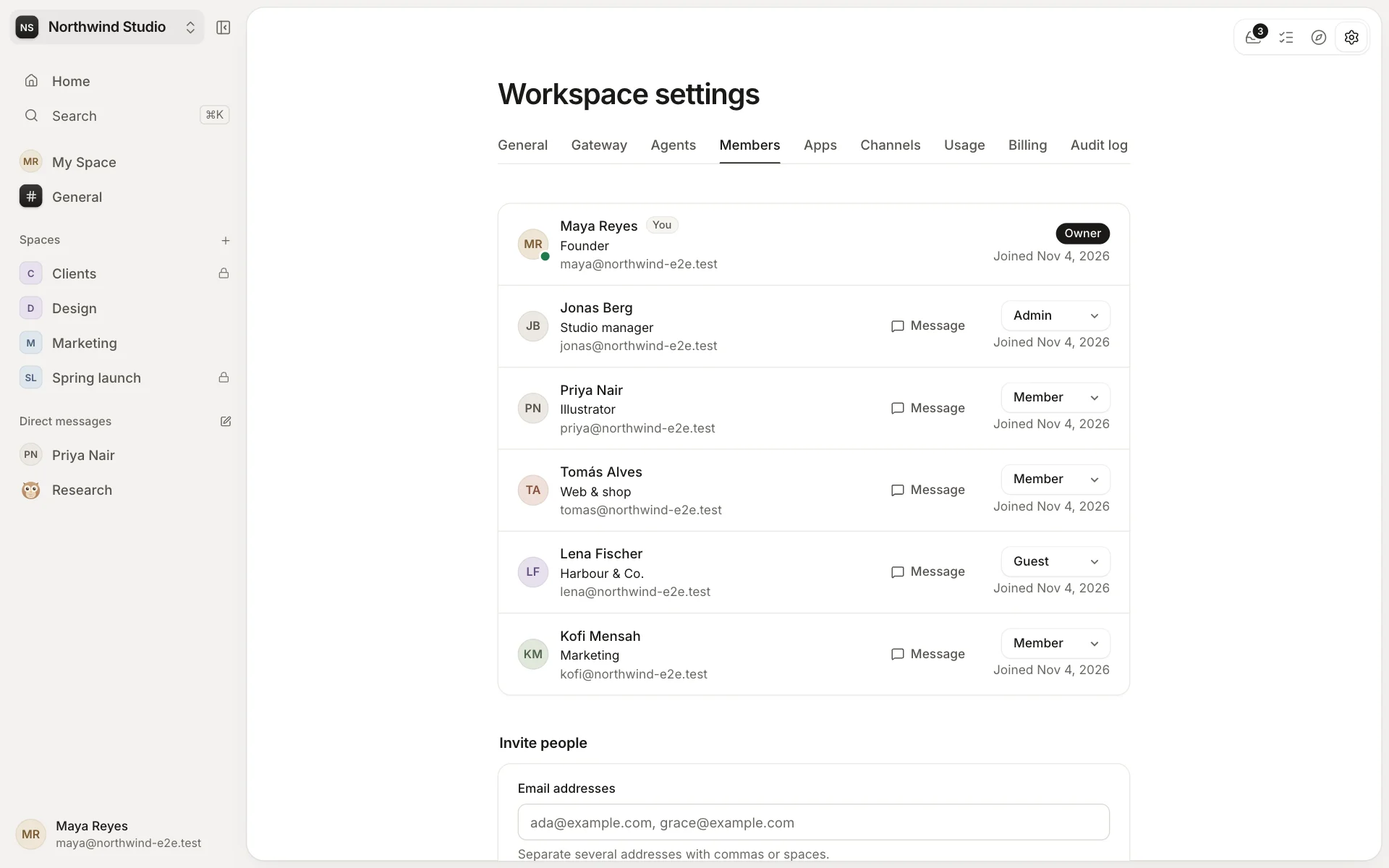
Invite people in Settings → Members, by email or with an invite link. Each person has a role in the workspace:
- Owners can do everything: connect the Gateway, handle billing, export and move the workspace's data, and give any role.
- Admins look after settings, members, apps, channels and agents. They can manage any space, even a private one, though they have to join it to read it, and its members see that.
- Members work in the spaces they join.
- Guests see only the spaces they're invited to: they can post, reply and download, but don't create anything or ask agents. Guests aren't counted as seats.
Every workspace keeps at least one owner, and nobody changes their own role. Each person also has a job title here, and their own language, theme and time zone.
Made to look like yours
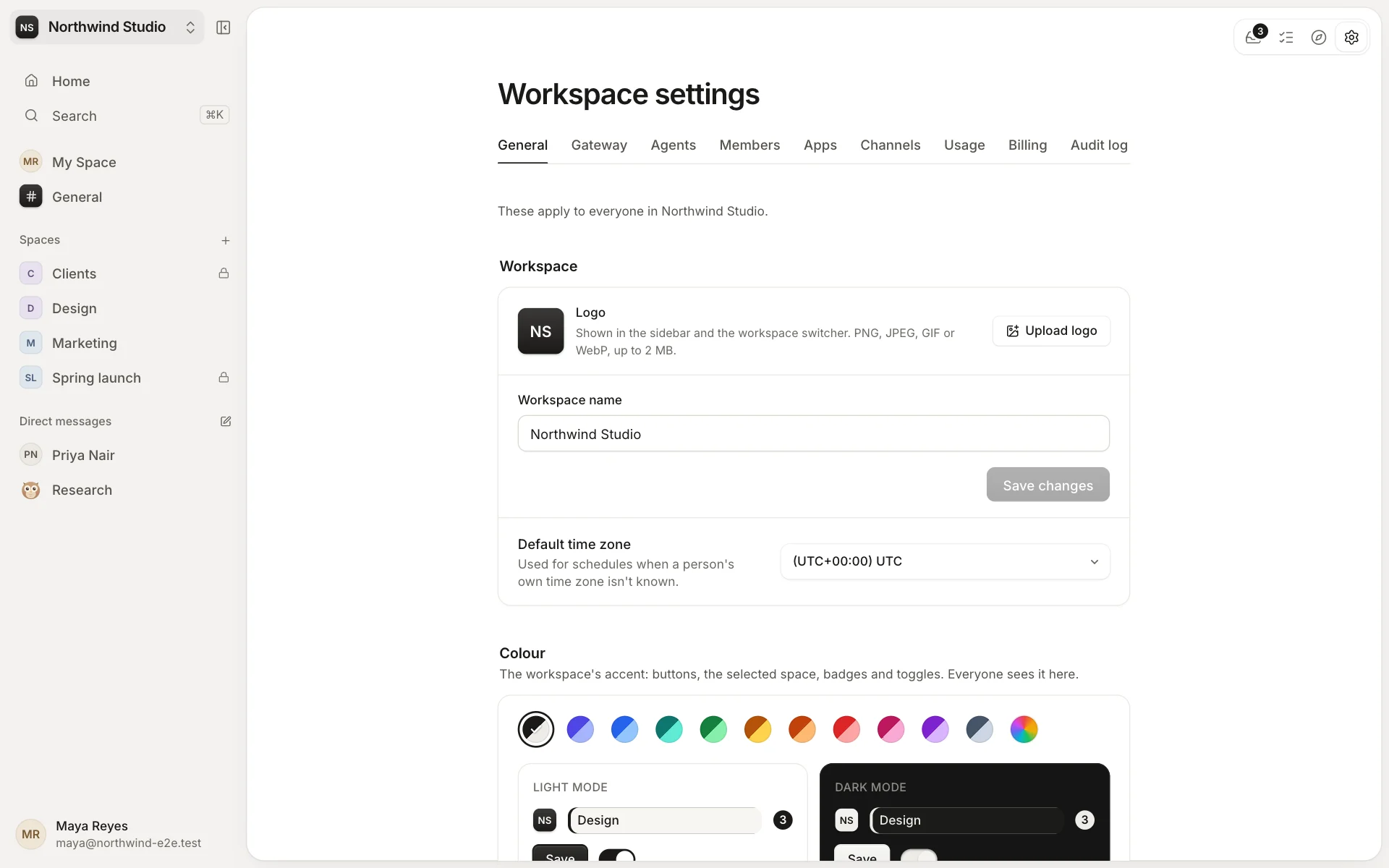
Owners and admins set the workspace's name, logo, accent colour for light and dark mode, and default time zone in Settings → General. People choose their own language: English, French, German, Dutch, Spanish, Portuguese or Italian.
The workspace's Home is the first thing people see. Keep the built-in one, or choose a home page from an app: a dashboard of your own, say. See Apps.
Your data, where you choose
Each workspace has a database and a storage folder of its own. On a deployment that allows it, owners can keep them on their own infrastructure instead: their own MongoDB and their own S3-compatible bucket. Move data switches them later, without stopping work, and copies and checks everything first.
- Export: one .zip of everything shared, which any deployment can import. Direct messages, My Spaces and drafts are never included.
- Audit log: who did what, when and from where, covering people, agents, apps and automations, with tamper evidence. It never records what anyone wrote.
More than one workspace
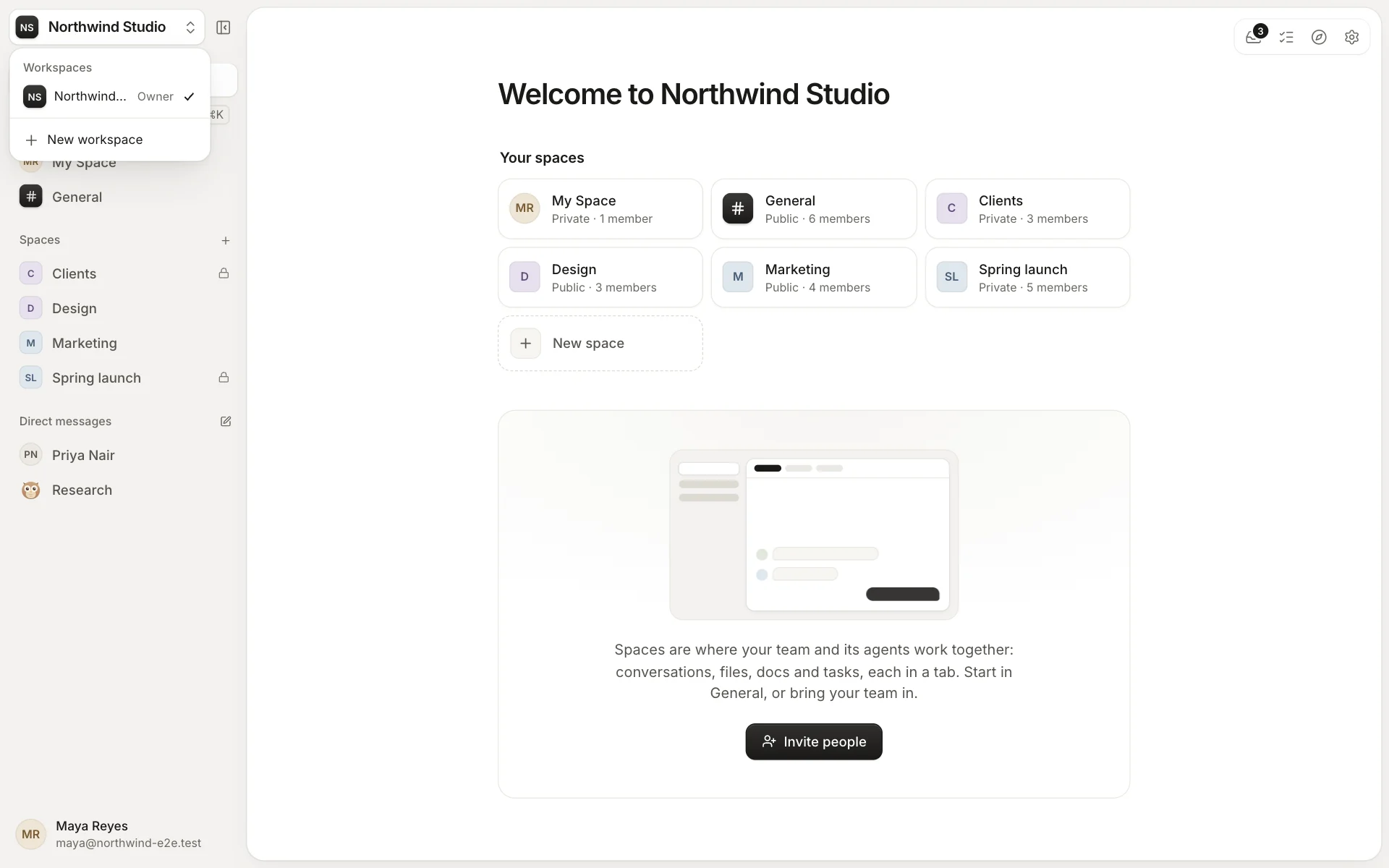
You can belong to several workspaces on the same deployment, and switch between them from the top of the sidebar. Each keeps its own people, spaces, agents and settings: nothing crosses between them.