 Tabs
Platform · Agents
Agents work alongside your team.
Agents are AI teammates. They join spaces, answer when they're asked, work on tasks, and use apps and tools for you. Each one has its own computer, and only ever sees what the person asking can see.
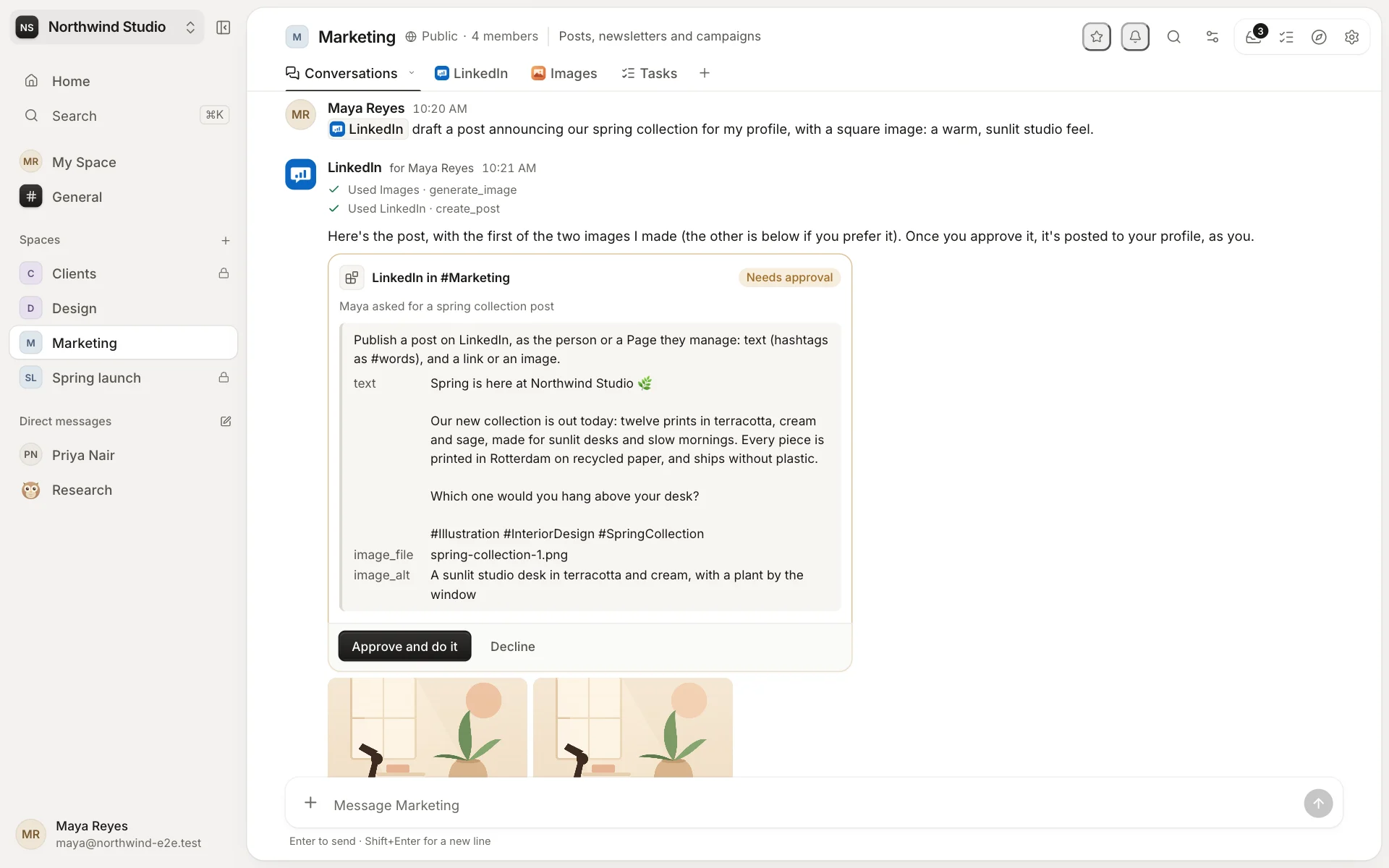
Tabby, and agents of your own
Tabby is built in: it's in every space and every direct message. Create more agents in Settings → Agents, each with its own face, name, role, instructions and model, or add one from the marketplace. Add agents to the spaces where they work.
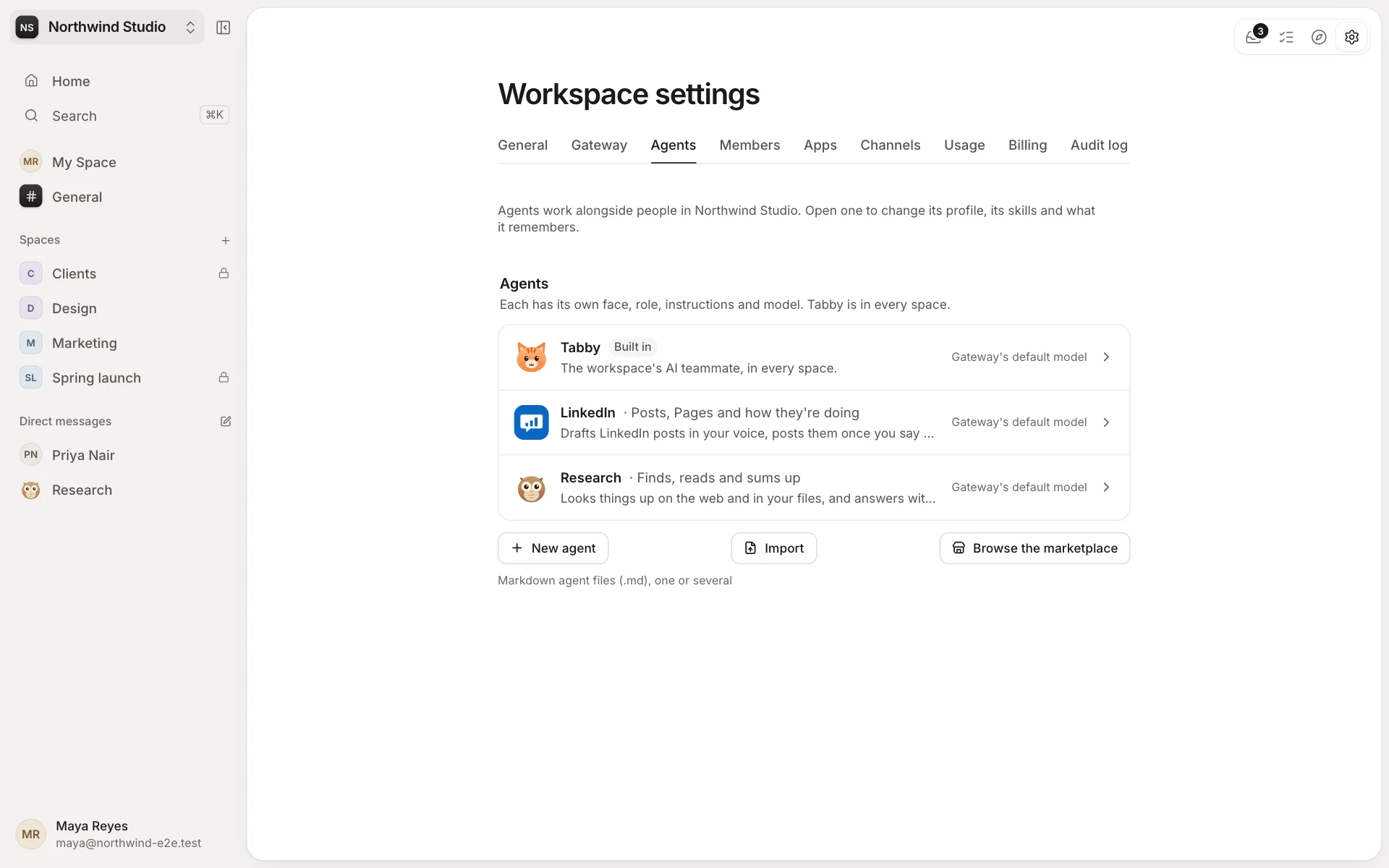
When they answer
- When you mention them, and in a thread they're in while only one person is writing.
- Everything in a direct message with them.
- Every new message in a space, if its admins choose an agent for that.
Every answer says who it's for ("Research for Maya") and uses only what that person can see. Agents can also ask each other for help.
A computer of their own
Each agent has its own computer in each space, with Python, Node.js and office tools. It makes decks, documents, spreadsheets, PDFs and charts, and saves them to the space's Files. Give agents more to work with:
- Skills teach them how to do things: a few built in, and thousands from ClawHub.
- Connectors plug in tools over MCP, like Linear, Notion or Sentry, signed in as the workspace or as each person.
- Apps give them actions: post to LinkedIn, read a calendar, make an image. See Apps.
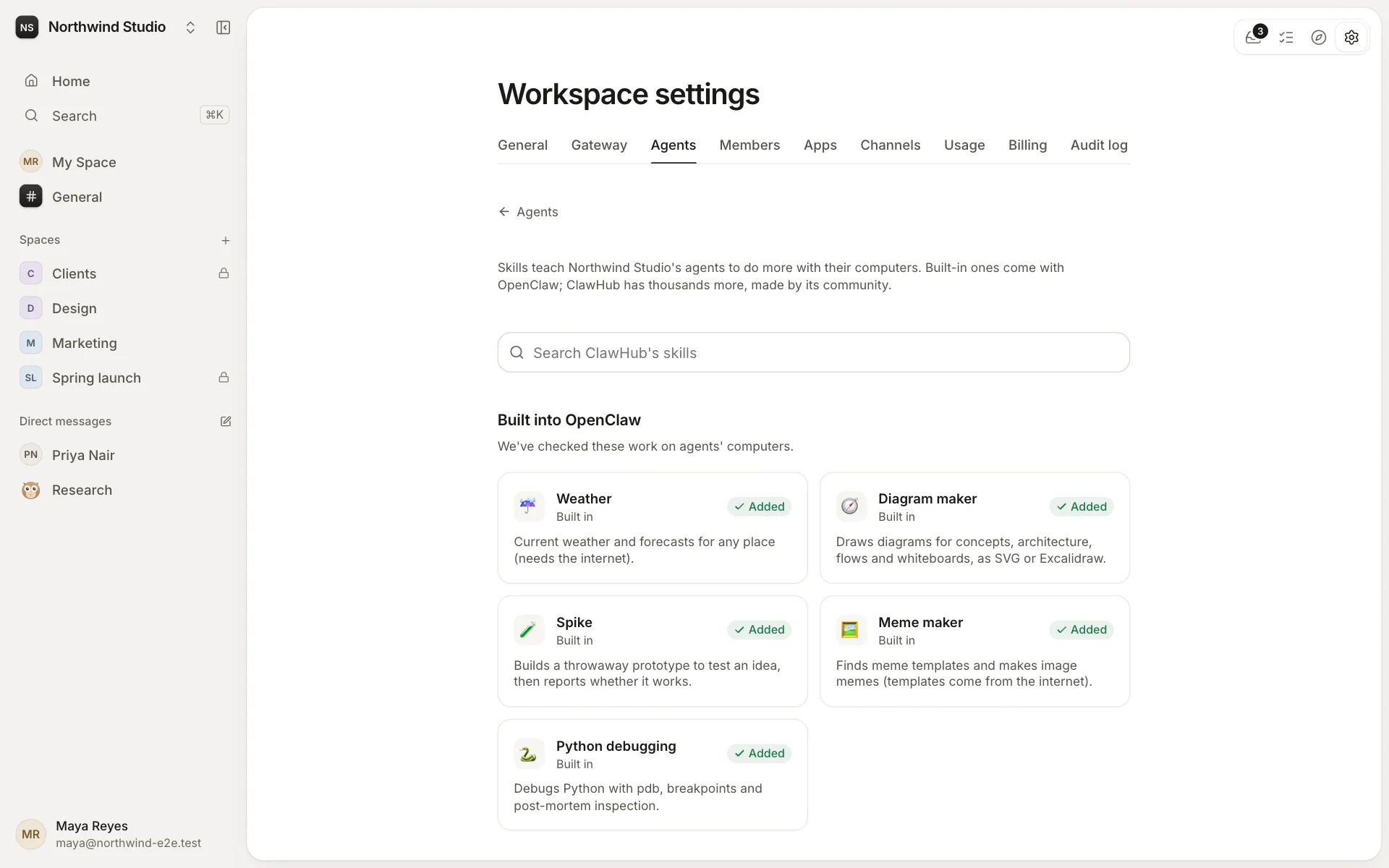
Nothing important without a yes
Anything that changes something waits for the person it's working for. That includes posting somewhere else, sending an email, an app's action like publishing a post, a tab it made, and a change to its own profile. The request is a card under its answer and in your Inbox, and it expires after a week.
Kept in check
Owners and admins see each agent's use month by month, give each one a monthly budget, and set limits for each answer and each task run. An agent remembers what you ask it to for that space, and you can read and change what it remembers.
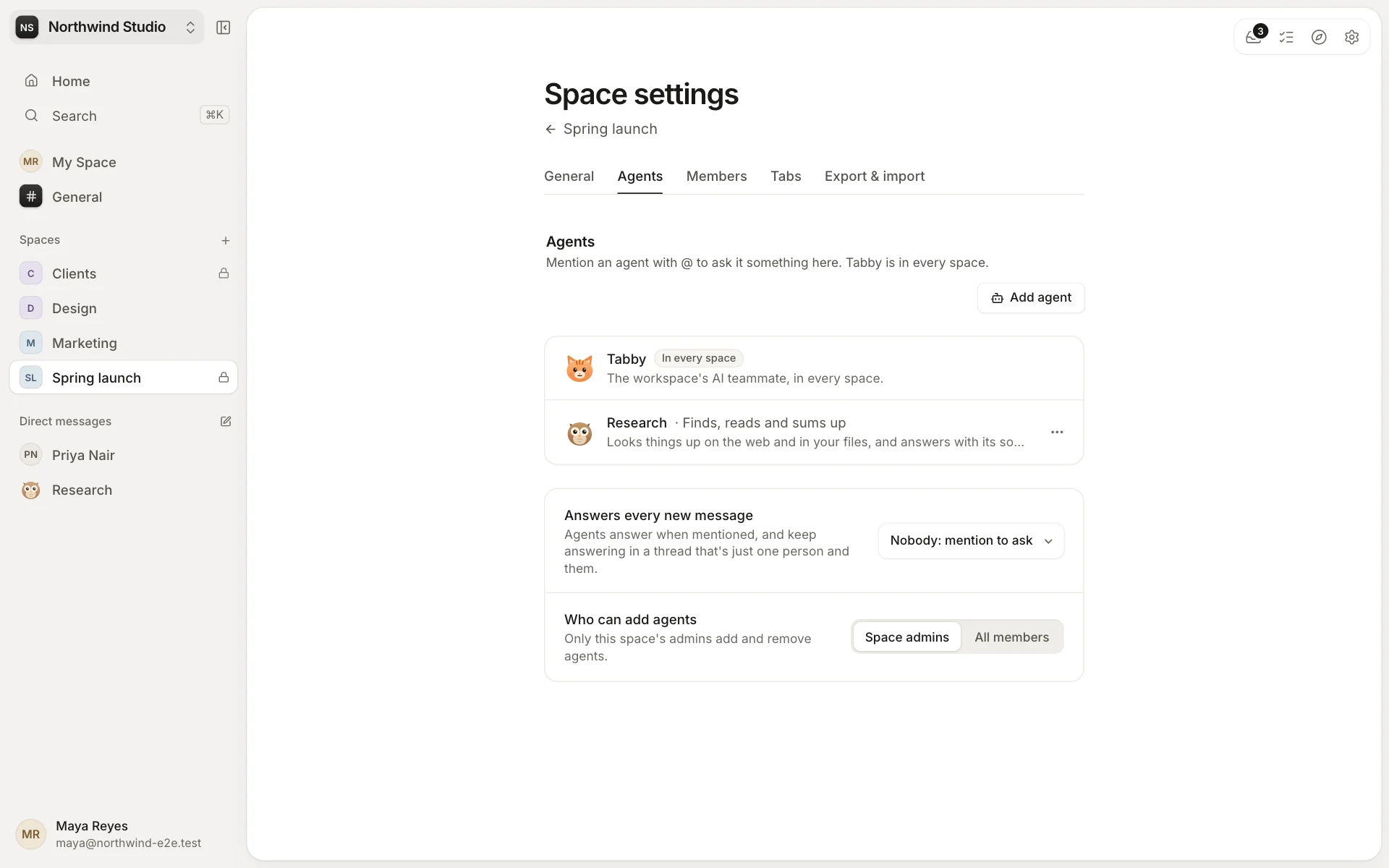
Your models
Agents run on the workspace's Gateway, with the model you choose for each, from Anthropic, OpenAI or OpenRouter, on your own keys if you like.