 Tabs
Platform · Channels
Your workspace, from the chat apps you already use.
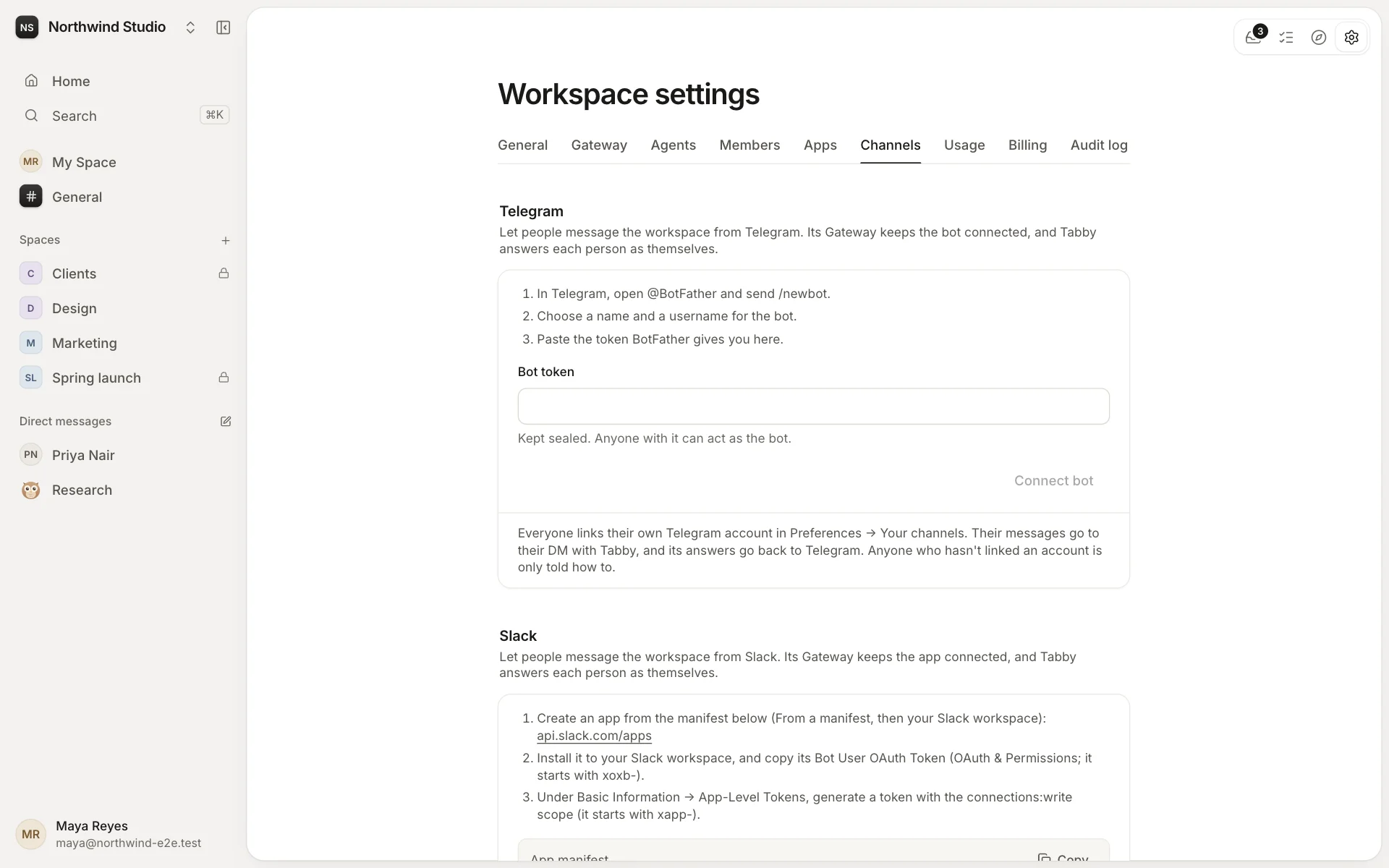
Message Tabby from Telegram, Slack or WhatsApp, and connect a group or channel to a space. The answers come back where you asked.
Your own account, linked
Owners and admins connect a chat app in Settings → Channels. Then each person links their own account in Preferences: what they write goes to their direct message with Tabby, as themselves, and Tabby's answers come back to the chat app. Anyone who hasn't linked an account is only told how to.
Groups and channels, connected to spaces
A space's admins can connect a group or a channel to the space in Space settings → General, so its conversation reaches people where they already are. Notifications can go to linked chats too.
Telegram, Slack and WhatsApp work today. Discord, Microsoft Teams, Signal, Google Chat and more are on the way.