 Tabs
Platform · Spaces
A space for every team, project and topic.
A space is where a group works: its people, its agents and its tools, together. Everything in it stays in it, and only the people who belong can see it.
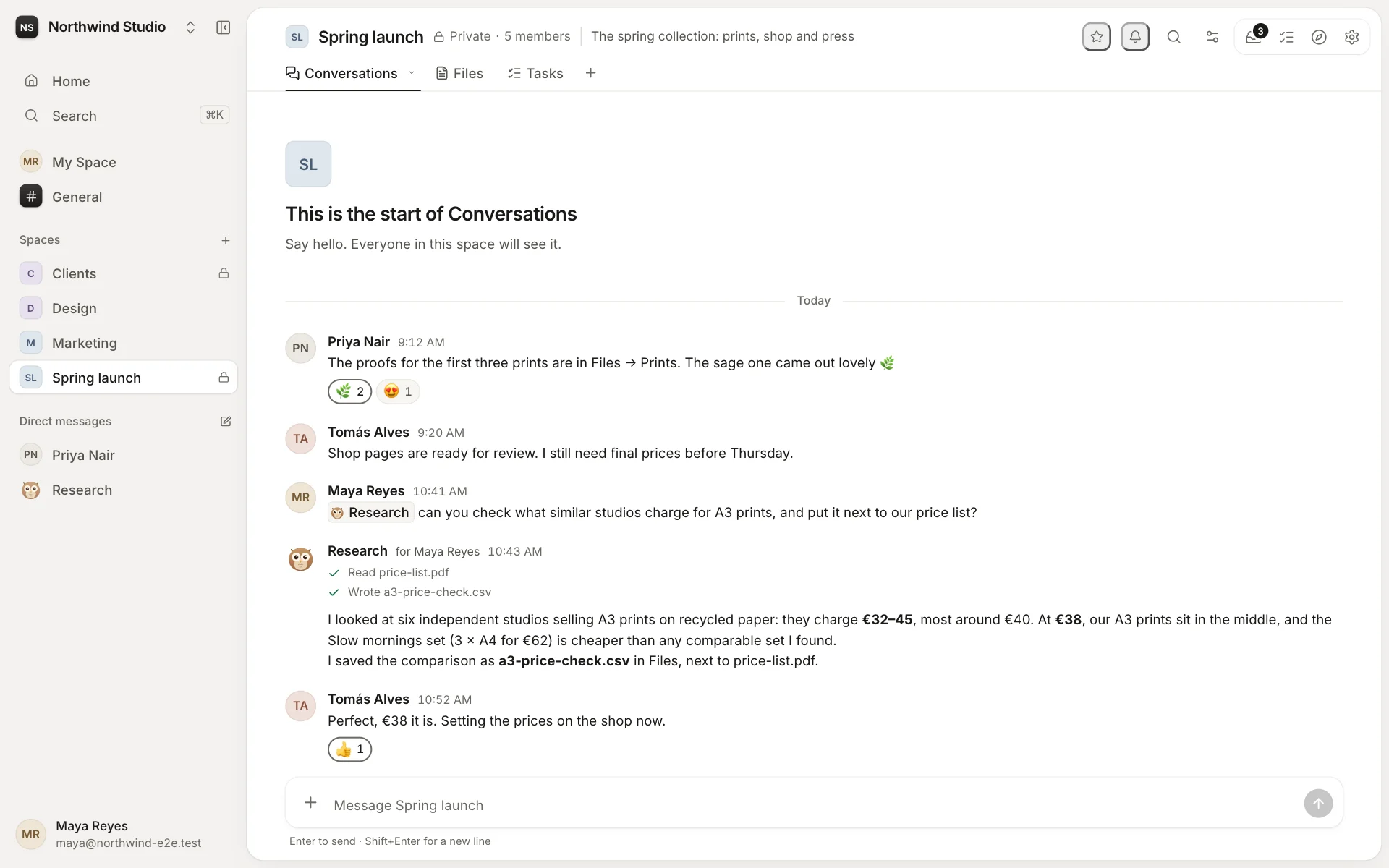
Four kinds of space
- General: everyone in the workspace, for what concerns everyone.
- My Space: yours alone. Notes, drafts, files, and agents that work just for you.
- Spaces for teams, projects, clients and topics: as many as you need.
- Direct messages: with one person, up to nine, or with an agent.
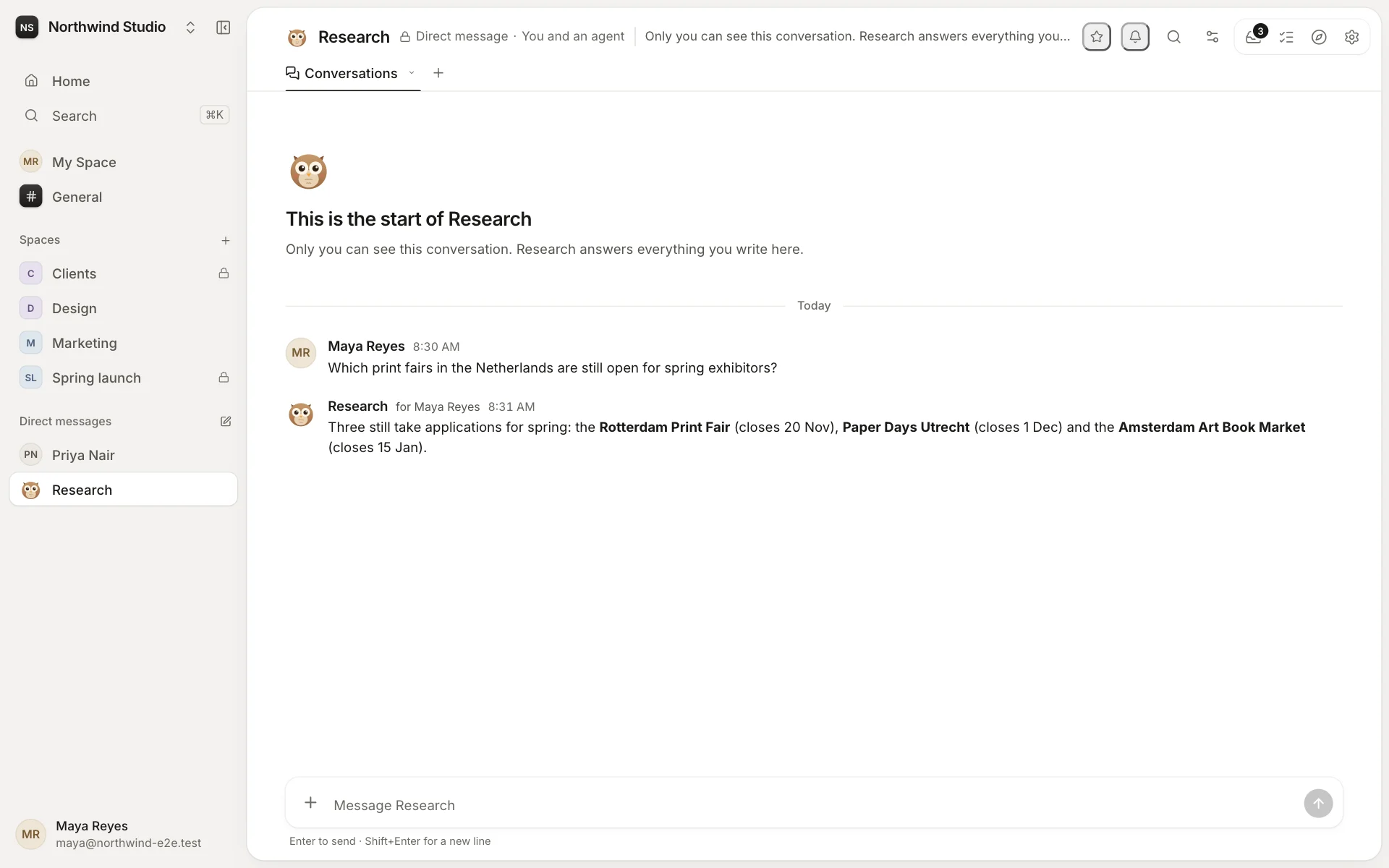
Public or private
A public space can be found and joined by anyone in the workspace. A private one is seen only by the people added to it. Guests see only the spaces they're invited to.
Each space has its own admins and members. Its admins decide who can change its tabs, who can add agents, who can give tasks to others and who can notify everyone with @space. They can also choose an agent that answers every new message.
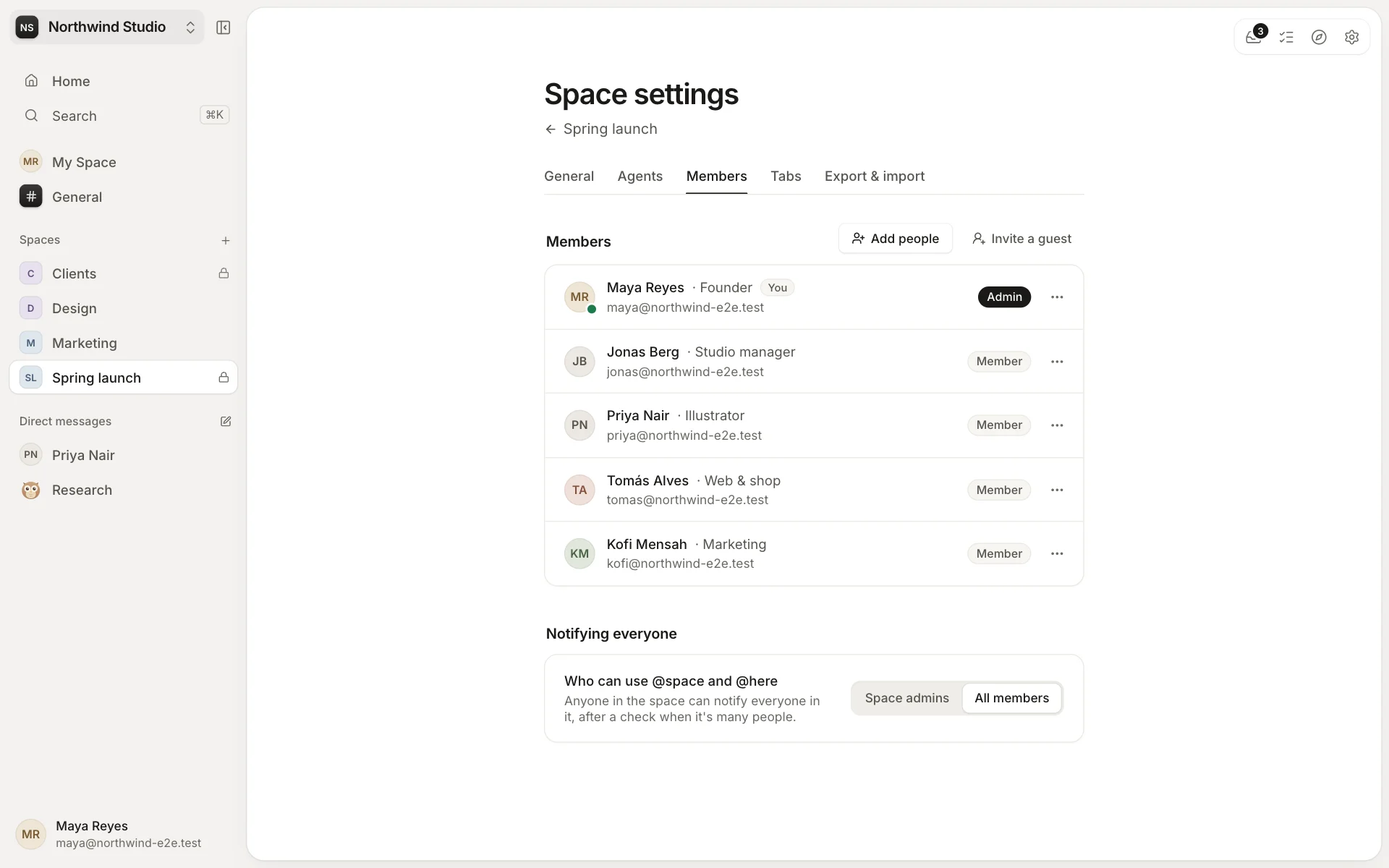
What's inside
A space holds its tabs, the tools its people use: conversations, files, tasks and custom tabs. It also holds the agents that work there, with their own memory of the space. Tabs follow the space's members, so there's nothing to share separately.
Star the spaces you use most, choose how much each one notifies you, and archive a space when its work is done. Admins can also pin spaces in everyone's sidebar.