 Tabs
Platform · Deployments
A deployment is where Tabs & Spaces runs.
One installation, with its own address, its own accounts and its own data. People sign up on a deployment and work in its workspaces. Use ours at tabsandspaces.app, or run your own.
Ours, or your own
tabsandspaces.app is the deployment we run: sign up and start a workspace, with nothing to install.
Or run Tabs & Spaces yourself, on a server of your own or on cloud services you choose. Self-hosting is free, with every feature: one command sets it up, HTTPS comes on its own, and upgrades move your data forward for you. It can even run with no internet at all.
- Everything it needs comes with it: a database, file storage, email and the agents' runtime. Use any of them, or your own.
- On the services you already use: MongoDB Atlas, any S3-compatible storage (AWS, Cloudflare R2, Backblaze), an email service, or Fly.io.
Its administrators
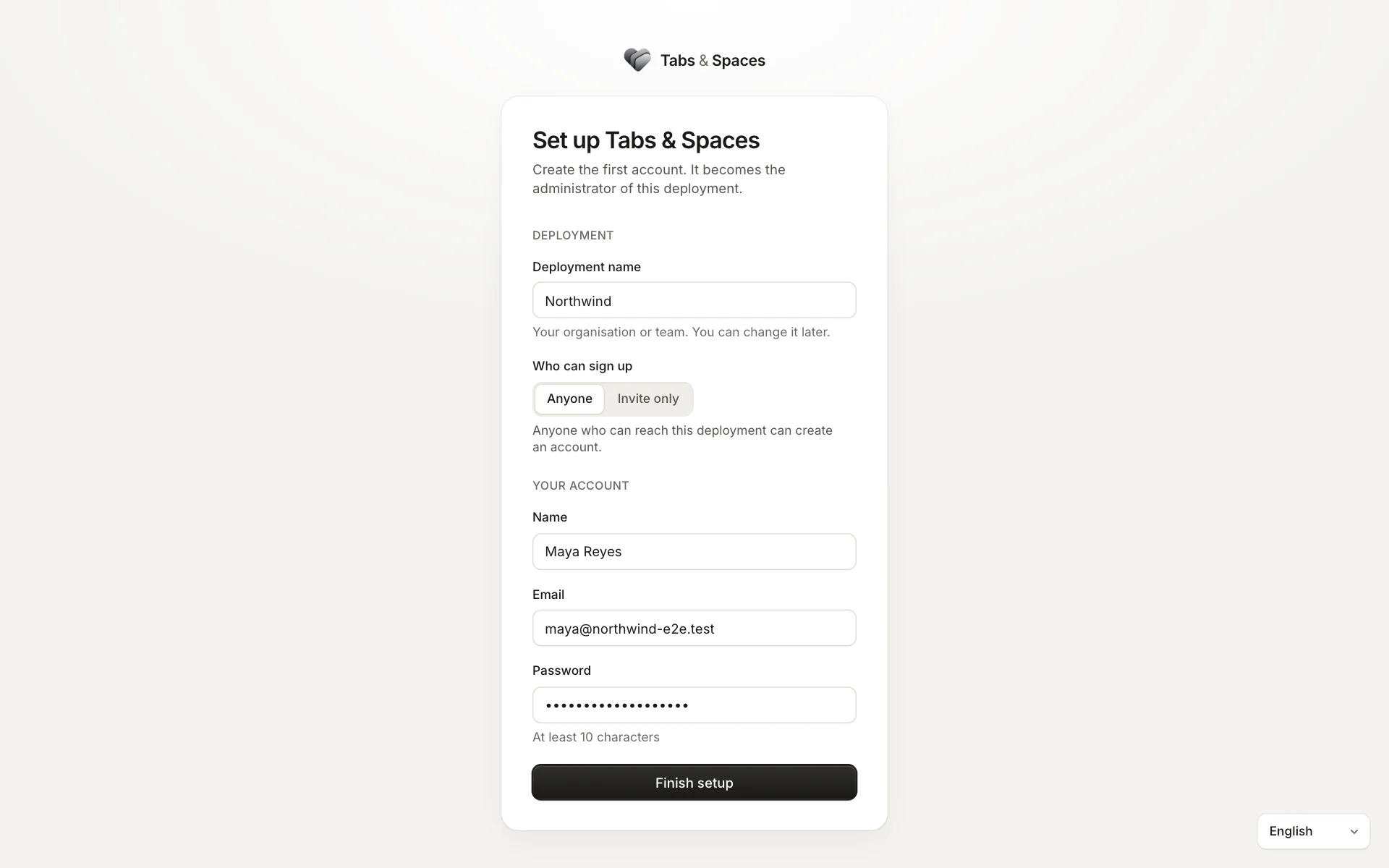
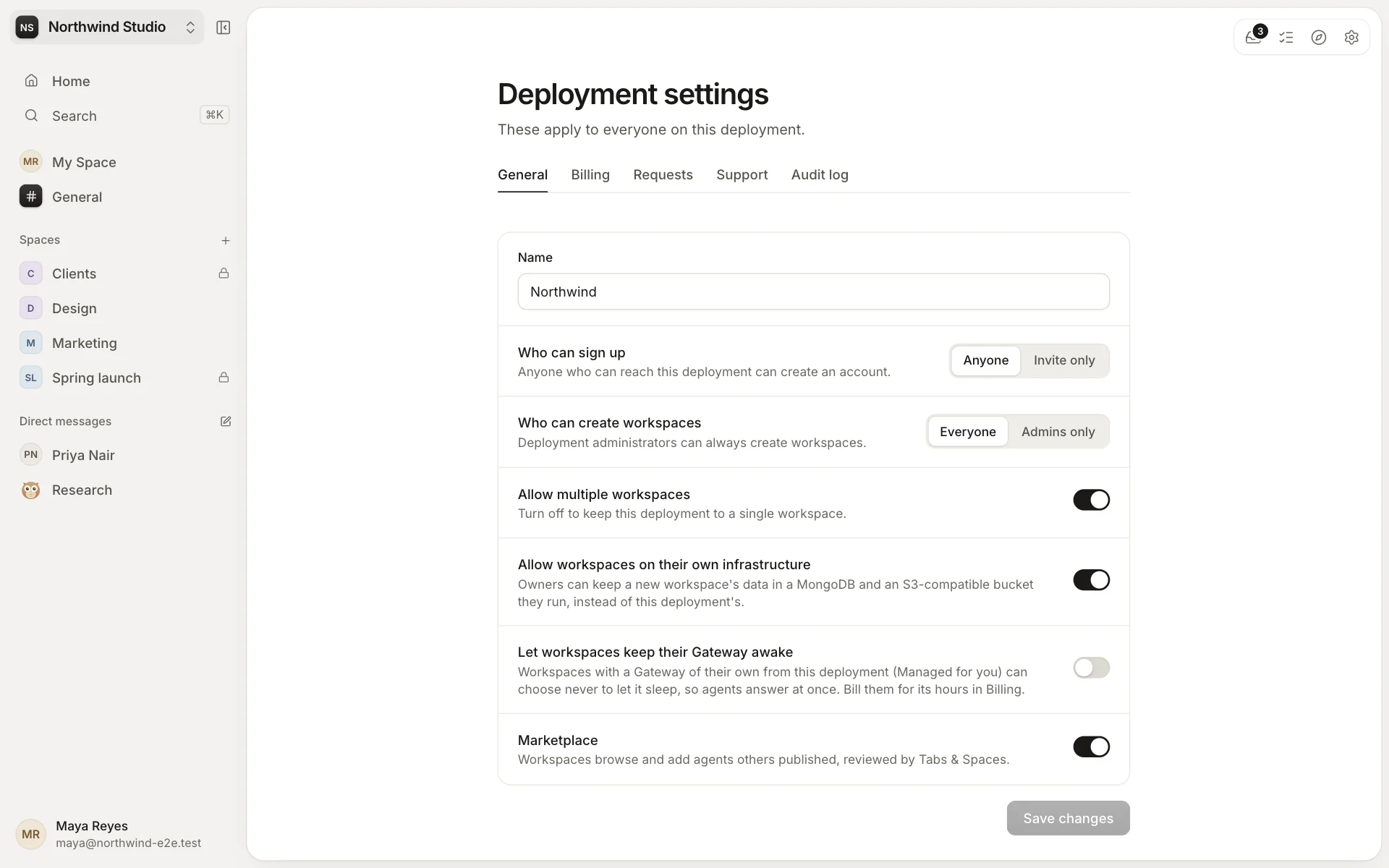
The first account on a deployment becomes its administrator. Deployment administrators look after the installation as a whole, in Deployment settings:
- Who can sign up: anyone who can reach it, or only people who are invited.
- Who can create workspaces, and whether there can be more than one.
- Whether workspaces may keep their data on their own infrastructure, and whether they can use the marketplace.
- Billing, help requests, support and the deployment's own audit log.
Running one workspace is a different job: that's for its owners and admins.
Where agents run
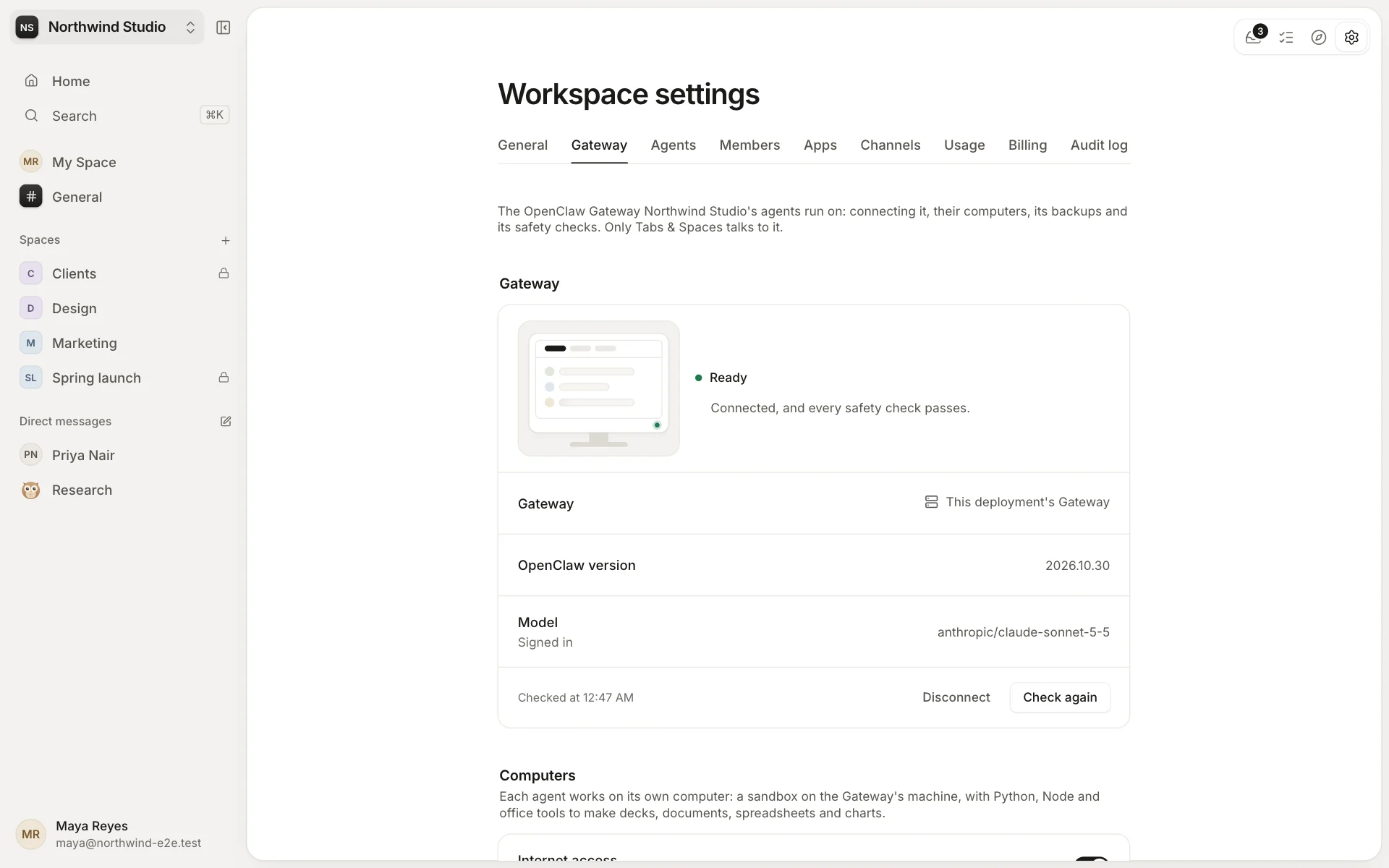
Agents run on an OpenClaw Gateway, the runtime that gives each agent its model and its own computer. A workspace's owners choose it in Settings → Gateway:
- This deployment's Gateway, when it has one to offer.
- Managed for you: a Gateway for your workspace alone, which sleeps when nobody needs it and wakes when they do.
- Your own Gateway, wherever you run it.
Paying for what you use
A deployment can bill its workspaces for what they use: seats, storage, AI tokens, Gateway time, or a fixed agreement. Every meter is off until its administrators price it, and a workspace on its own database, storage or Gateway isn't charged for that.
Workspace owners see the month so far in Settings → Usage, and pay in Settings → Billing. If a bill stays unpaid, the workspace becomes read-only until it's paid: nothing is lost.
Self-hosting costs nothing. When you want help, we offer Standard and Priority support.